How to Top Up Arknights with Crypto (USDT)
Published on 27 October 2026 • 1 min read
Arknights is Hypergryph's tower-defense strategy RPG, published globally by Yostar. Originium buys Orundum for headhunting, and packs include monthly cards and celebration bundles. Enter your UID and server, choose a pack and pay in USD.
What you can buy
HALO TOP UP currently lists 31 Arknights packages, including Originium, passes and bundles. All prices are in US dollars and shown before you pay.
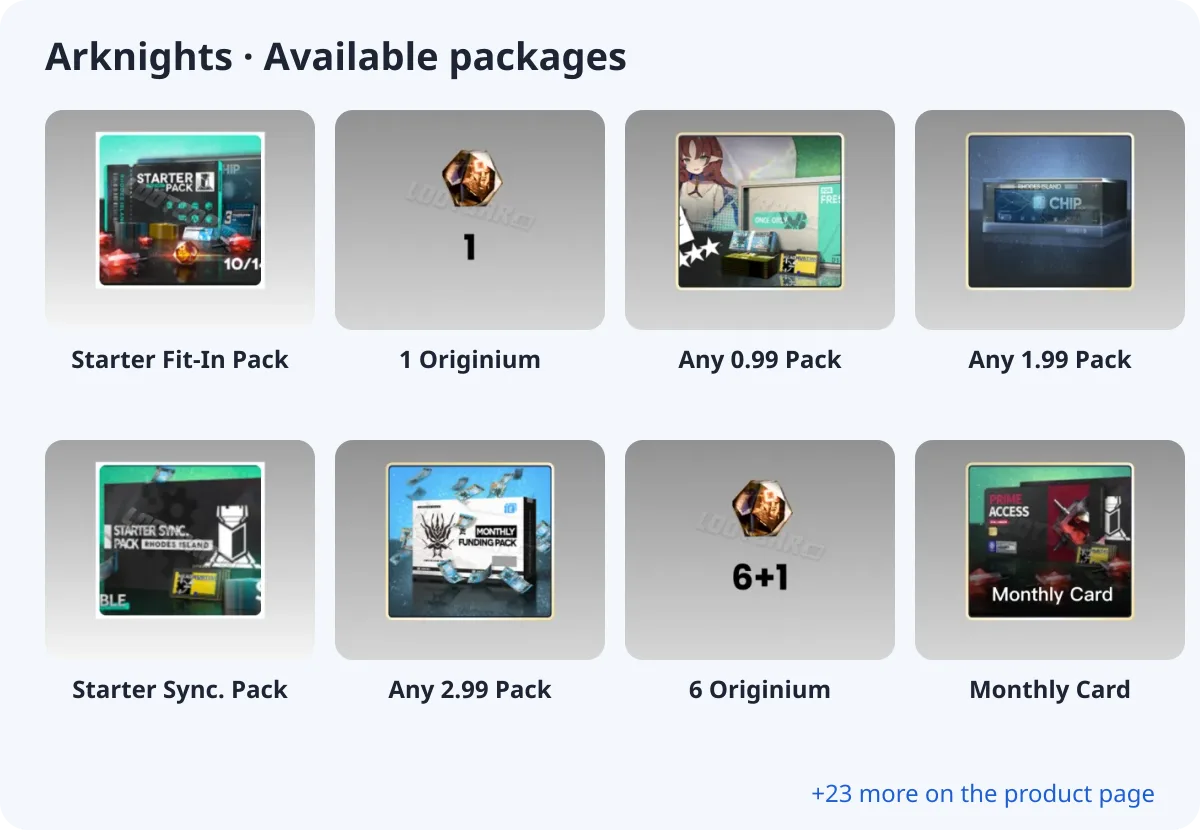
- Starter Fit-In Pack
- 1 Originium
- Any 0.99 Pack
- Any 1.99 Pack
- Starter Sync. Pack
- Any 2.99 Pack
- 6 Originium
- Monthly Card
What you need
Arknights is a login top-up. At checkout you choose your login method and enter your account and password; you can add your character name, server and backup codes in the optional fields.
About the login
Arknights is a login top-up: provide your game account login, then add your Doctor name and server in the character field.
How to top up Arknights with crypto (USDT)
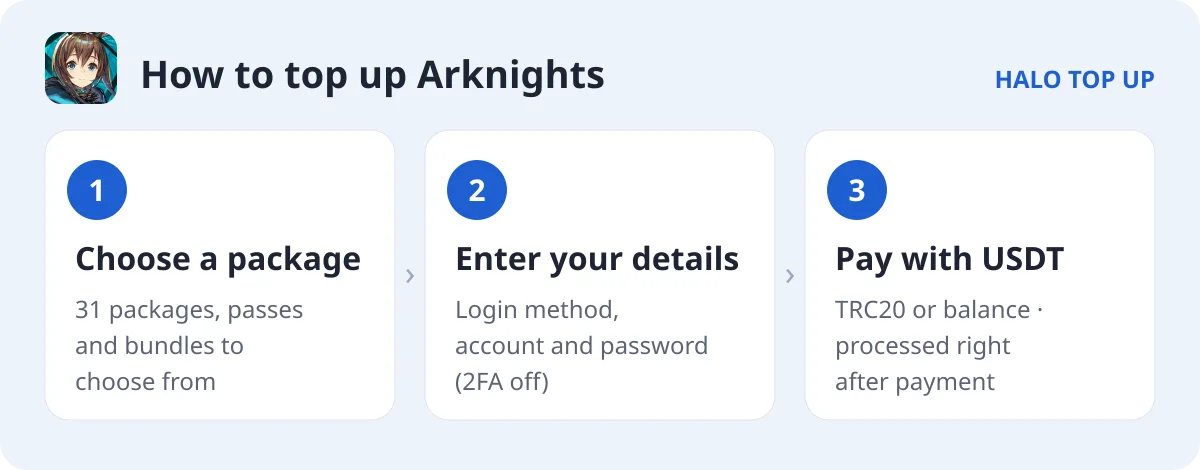
- Open Arknights and choose a package.
- Choose your login method and enter your account and password. Turn off two-step verification or add backup codes in Notes.
- Enter your email, choose USDT (TRC20) or account balance and place the order.
- Send the exact USDT amount on the TRON network. The order is processed as soon as payment is confirmed; you can follow it on Check Order.
Tips
- Originium converts into Orundum for Headhunting.
- Monthly cards and celebration packs are listed on the product page.
FAQ
Is the first purchase doubled?
First-purchase Originium bonuses follow the in-game store rules.
Do I need to stay logged out?
Yes, please do not log in until the order is completed.
How do I pay with USDT?
Choose USDT (TRC20) at checkout and send the exact amount shown. See our USDT payment guide for details.