How to Buy Steam Gift Card (MY&US) with Crypto (USDT)
Published on 01 November 2026 • 2 min read
Steam gift cards add funds to your Steam Wallet for games, DLC and in-game items. Buy a Malaysia (MYR) or US (USD) Steam gift card with crypto (USDT): no account details are needed, and the code is shown on your order page after payment.
What you can buy
HALO TOP UP currently lists 15 Steam Gift Card (MY&US) packages, including Steam Wallet funds, passes and bundles. All prices are in US dollars and shown before you pay.
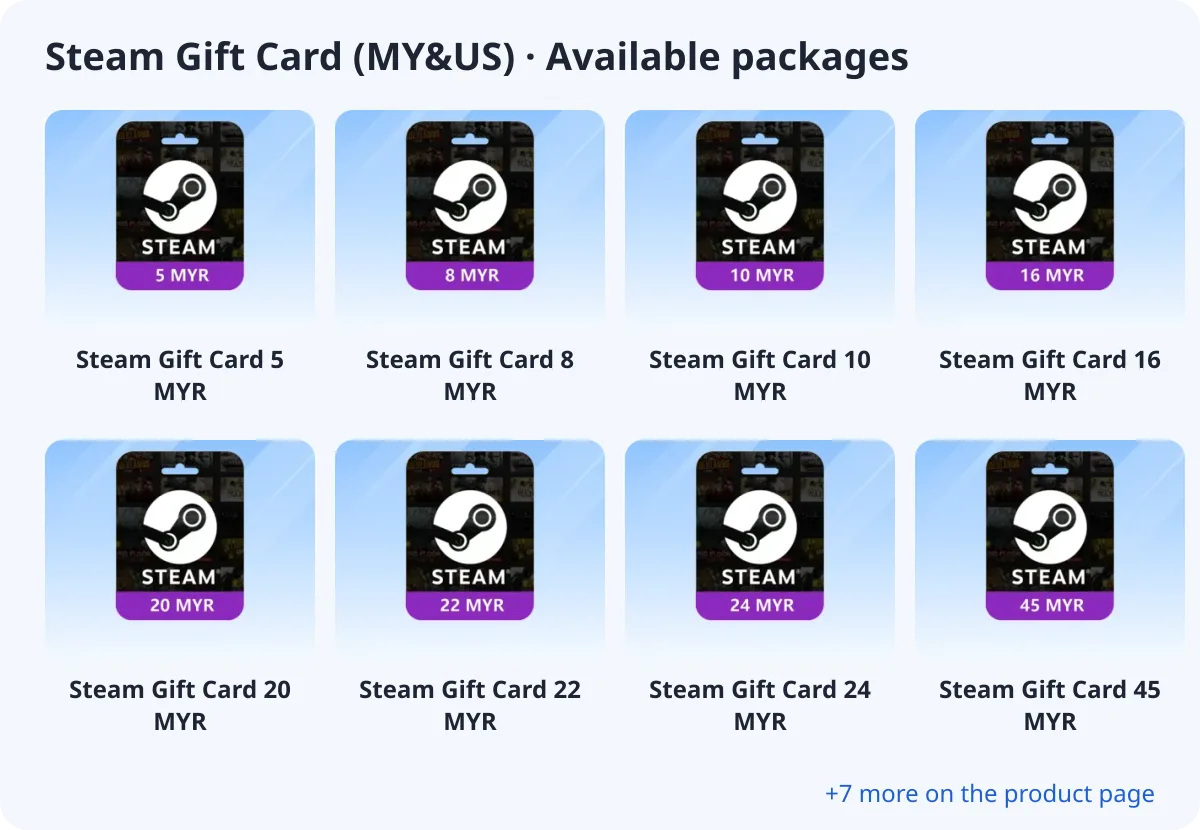
- Steam Gift Card 5 MYR
- Steam Gift Card 8 MYR
- Steam Gift Card 10 MYR
- Steam Gift Card 16 MYR
- Steam Gift Card 20 MYR
- Steam Gift Card 22 MYR
- Steam Gift Card 24 MYR
- Steam Gift Card 45 MYR
What you need
Steam Gift Card (MY&US) is delivered as a redeemable code. You do not need to enter any account details: after payment the code appears on your order page and in your email.
How to redeem the code
In the Steam app or on store.steampowered.com, open your account menu and choose Account details → Add funds → Redeem a Steam Gift Card, then enter the code.
How to buy Steam Gift Card (MY&US) with crypto (USDT)
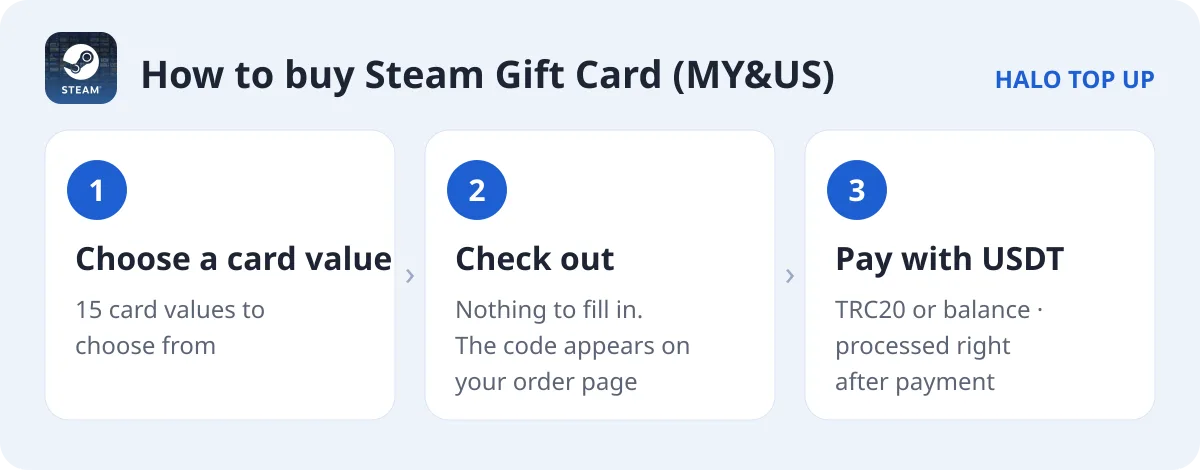
- Open Steam Gift Card (MY&US) and choose a card value.
- No account details are needed. Just continue to checkout.
- Enter your email, choose USDT (TRC20) or account balance and place the order.
- Send the exact USDT amount on the TRON network. The order is processed as soon as payment is confirmed; you can follow it on Check Order.
Tips
- Choose the card currency that matches your Steam wallet region (MYR for Malaysia, USD for the United States). Cards in another currency may not be redeemable.
- The code appears on your order page after payment. Keep it private: anyone who has it can redeem it.
FAQ
Can I buy a Steam gift card with USDT?
Yes. Choose a card value, pay the exact USDT amount on TRC20 and the code is shown on your order page after payment.
Do I need to give my Steam account?
No. You redeem the code yourself, so no login is needed.
How do I pay with USDT?
Choose USDT (TRC20) at checkout and send the exact amount shown. See our USDT payment guide for details.