How to Top Up Delta Force with Crypto (USDT)
Published on 28 October 2026 • 2 min read
Delta Force is TiMi Studio's tactical shooter with extraction and large-scale warfare modes. Delta Coins buy operator skins, weapon blueprints and battle pass upgrades. Enter your Player ID, choose a package and pay in USD.
What you can buy
HALO TOP UP currently lists 41 Delta Force packages, including Delta Coins, passes and bundles. All prices are in US dollars and shown before you pay.
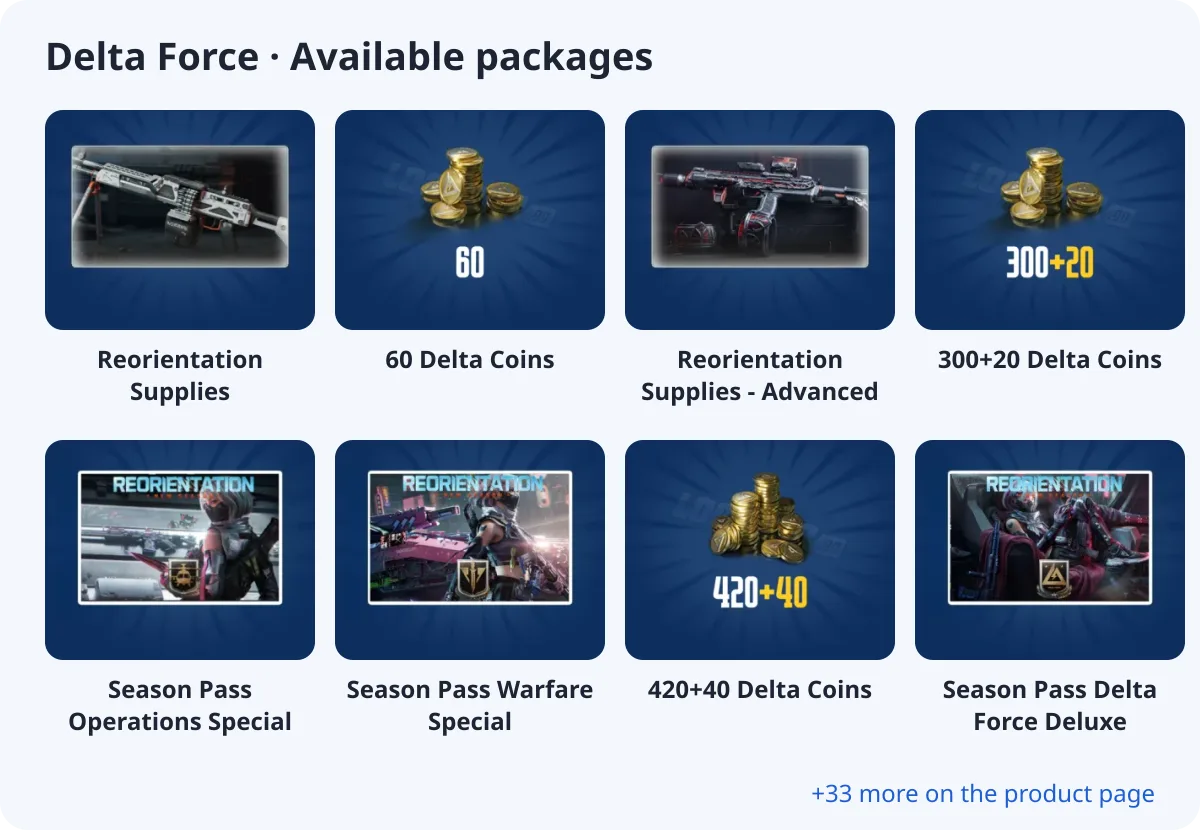
- Reorientation Supplies
- 60 Delta Coins
- Reorientation Supplies - Advanced
- 300+20 Delta Coins
- Season Pass Operations Special
- Season Pass Warfare Special
- 420+40 Delta Coins
- Season Pass Delta Force Deluxe
What you need
Delta Force is a direct top-up: you only enter UID. No password is needed.
Where to find your UID
Open your profile in the lobby; your UID is shown on the profile card.
How to top up Delta Force with crypto (USDT)
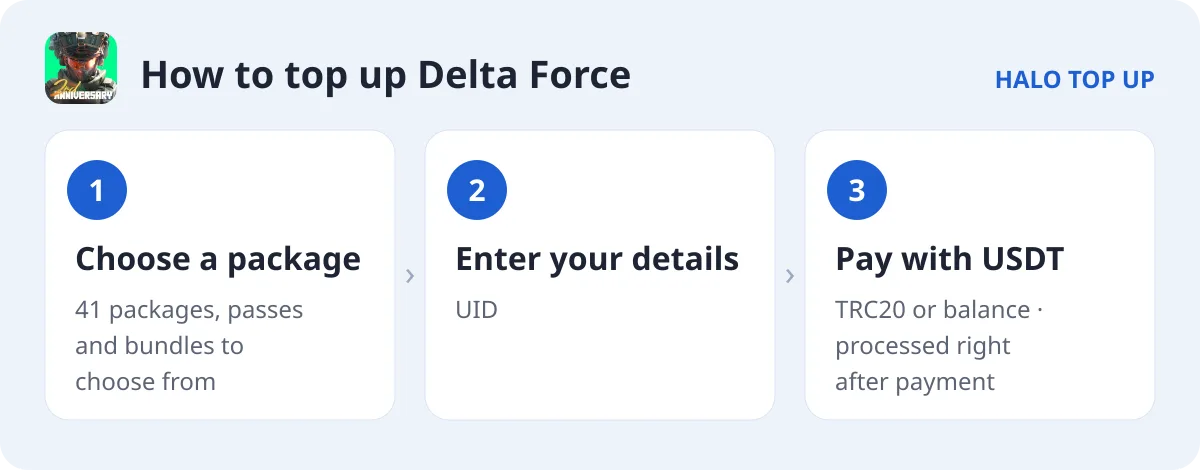
- Open Delta Force and choose a package.
- Enter your UID.
- Enter your email, choose USDT (TRC20) or account balance and place the order.
- Send the exact USDT amount on the TRON network. The order is processed as soon as payment is confirmed; you can follow it on Check Order.
Tips
- Delta Force has separate versions: Non-Garena, Garena Latam and Garena Indonesia. Pick the one your account uses.
- Delta Coins buy operator skins, weapon blueprints and pass upgrades.
- Packages are split by Non Garena, Garena Latam, Garena Indonesia. Pick the one that matches your account.
FAQ
Which version is my account?
If you log in through Garena, choose the Garena version for your region; otherwise choose Non-Garena.
Do I need a password?
No, Delta Force is topped up with your UID.
How do I pay with USDT?
Choose USDT (TRC20) at checkout and send the exact amount shown. See our USDT payment guide for details.