How to Top Up FC Mobile with Crypto (USDT)
Published on 27 October 2026 • 2 min read
EA SPORTS FC Mobile is EA's football game for mobile, the successor to FIFA Mobile. FC Points and value packs unlock players, event passes and bundles. Choose a pack, enter your account details and pay in USD.
What you can buy
HALO TOP UP currently lists 39 FC Mobile packages, including FC Points and packs, passes and bundles. All prices are in US dollars and shown before you pay.
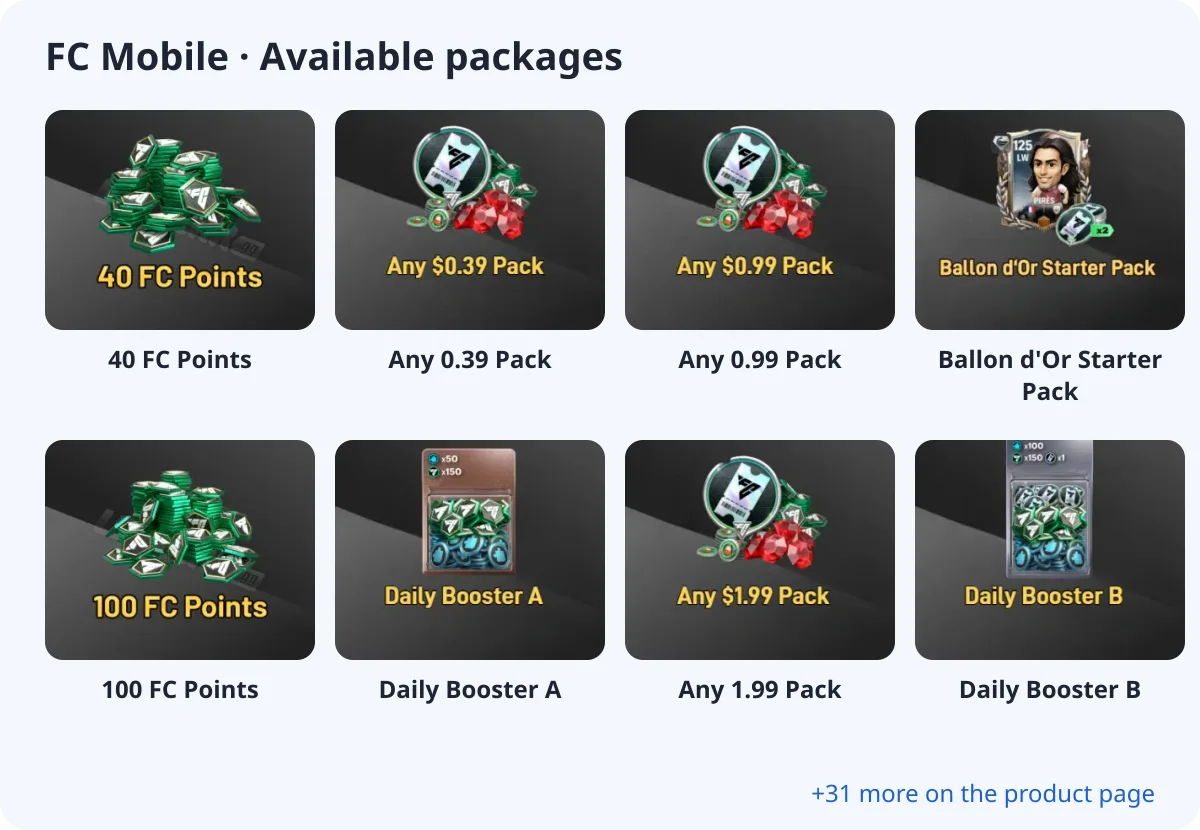
- 40 FC Points
- Any 0.39 Pack
- Any 0.99 Pack
- Ballon d'Or Starter Pack
- 100 FC Points
- Daily Booster A
- Any 1.99 Pack
- Daily Booster B
What you need
FC Mobile is a login top-up. At checkout you choose your login method and enter your account and password; you can add your character name, server and backup codes in the optional fields.
About the login
EA SPORTS FC Mobile is a login top-up: provide the account you use to sign in to the game.
How to top up FC Mobile with crypto (USDT)
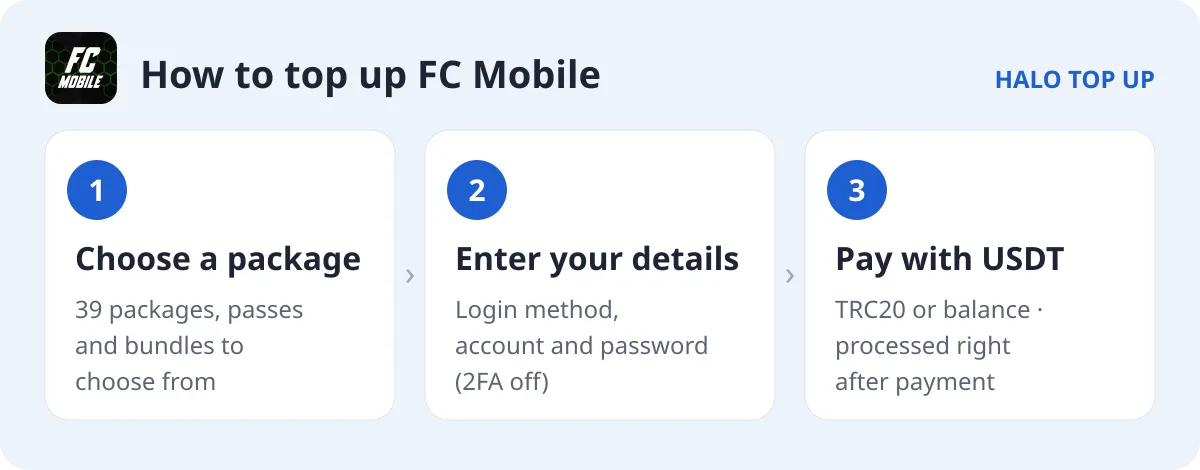
- Open FC Mobile and choose a package.
- Choose your login method and enter your account and password. Turn off two-step verification or add backup codes in Notes.
- Enter your email, choose USDT (TRC20) or account balance and place the order.
- Send the exact USDT amount on the TRON network. The order is processed as soon as payment is confirmed; you can follow it on Check Order.
Tips
- Event passes and draft bundles are listed on the product page.
- Add EA backup codes in Notes if two-step verification is on.
FAQ
Is my account safe?
We log out after the top-up.
How long does it take?
Orders are processed as soon as payment is confirmed.
How do I pay with USDT?
Choose USDT (TRC20) at checkout and send the exact amount shown. See our USDT payment guide for details.