How to Top Up Genshin Impact with Crypto (USDT)
Published on 28 October 2026 • 2 min read
Genshin Impact is HoYoverse's open-world action RPG set in Teyvat. Genesis Crystals convert 1:1 into Primogems for character and weapon wishes, and the Blessing of the Welkin Moon gives daily Primogems for 30 days. Enter your UID and server, pick a package and pay in USD with USDT or balance.
What you can buy
HALO TOP UP currently lists 13 Genshin Impact packages, including Genesis Crystals, passes and bundles. All prices are in US dollars and shown before you pay.
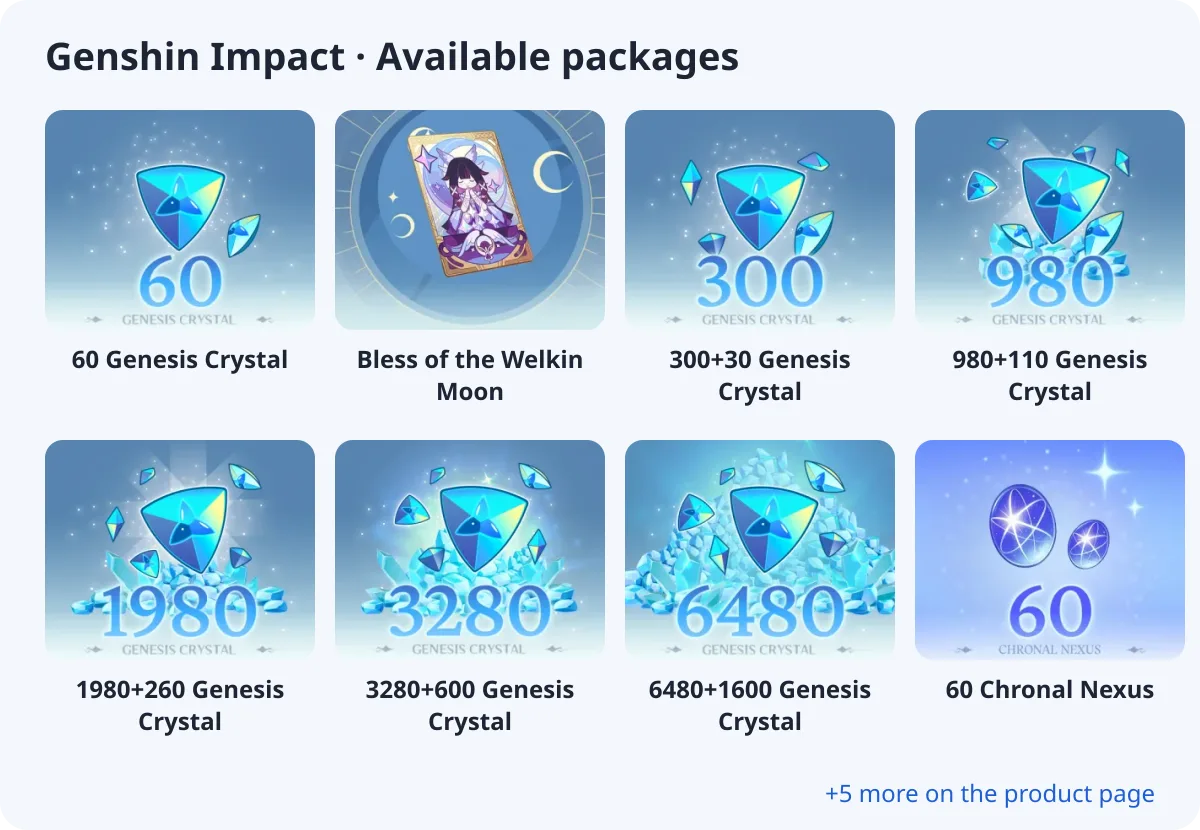
- 60 Genesis Crystal
- Bless of the Welkin Moon
- 300+30 Genesis Crystal
- 980+110 Genesis Crystal
- 1980+260 Genesis Crystal
- 3280+600 Genesis Crystal
- 6480+1600 Genesis Crystal
- 60 Chronal Nexus
What you need
Genshin Impact is a direct top-up: you only enter UID, Server Region. No password is needed.
Where to find your UID
Your UID is the 9 or 10-digit number in the bottom-right corner of the screen in the open world. It is also shown in the Paimon menu under your profile.
How to top up Genshin Impact with crypto (USDT)
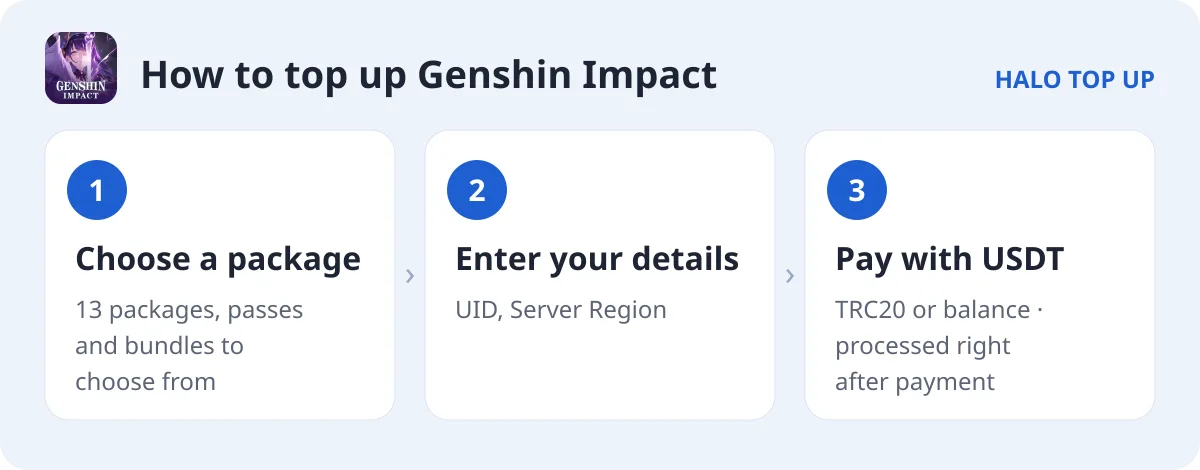
- Open Genshin Impact and choose a package.
- Enter your UID, Server Region.
- Enter your email, choose USDT (TRC20) or account balance and place the order.
- Send the exact USDT amount on the TRON network. The order is processed as soon as payment is confirmed; you can follow it on Check Order.
Tips
- Each Genesis Crystal tier is doubled on its first purchase. The bonus resets during some anniversary events.
- Blessing of the Welkin Moon gives 300 Genesis Crystals at once plus 90 Primogems a day for 30 days, the best value for daily players.
- Packages are split by Genesis Crystal, Chronal Nexus. Pick the one that matches your account.
FAQ
Can I use Genesis Crystals for outfits?
Yes. Genesis Crystals can buy outfits directly in the shop or be converted 1:1 into Primogems for wishes.
Which server should I choose?
Choose the server shown on your account: America, Europe, Asia or TW/HK/MO. A UID on the wrong server will not receive the top-up.
How do I pay with USDT?
Choose USDT (TRC20) at checkout and send the exact amount shown. See our USDT payment guide for details.