How to Top Up RBLX with Crypto (USDT)
Published on 27 October 2026 • 2 min read
Robux is the virtual currency of Roblox, the platform where millions of players create and play user-made experiences. Use it for avatar items, game passes and in-experience upgrades. Choose the amount you need and pay in USD with USDT or account balance.
What you can buy
HALO TOP UP currently lists 8 RBLX packages, including Robux, passes and bundles. All prices are in US dollars and shown before you pay.
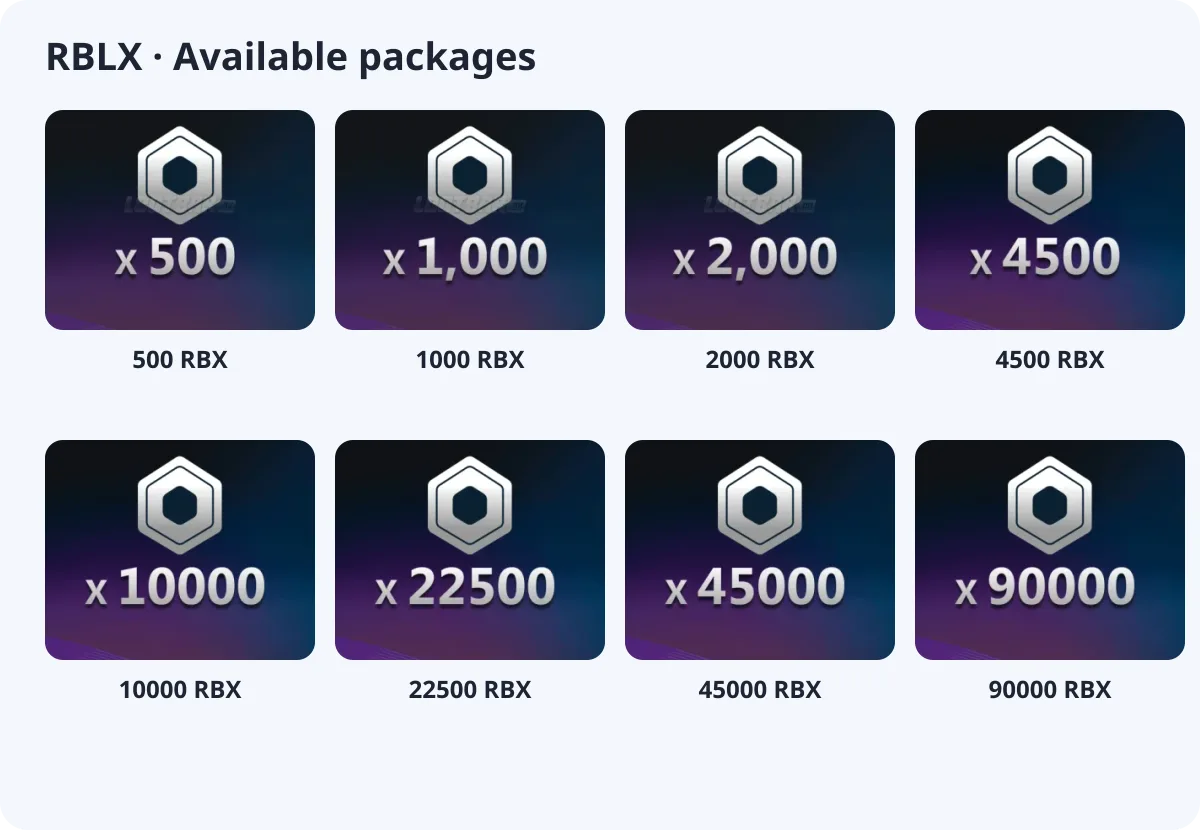
- 500 RBX
- 1000 RBX
- 2000 RBX
- 4500 RBX
- 10000 RBX
- 22500 RBX
- 45000 RBX
- 90000 RBX
What you need
RBLX is a login top-up. At checkout you choose your login method and enter your account and password; you can add your character name, server and backup codes in the optional fields.
About the login
Robux is a login top-up: you provide the Roblox account you sign in with (username or email) and its password.
How to top up RBLX with crypto (USDT)
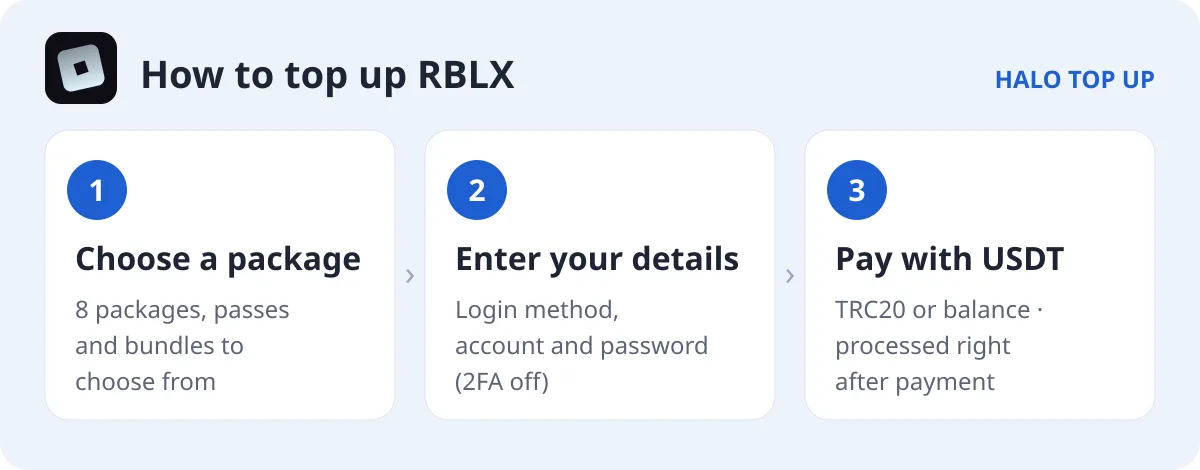
- Open RBLX and choose a package.
- Choose your login method and enter your account and password. Turn off two-step verification or add backup codes in Notes.
- Enter your email, choose USDT (TRC20) or account balance and place the order.
- Send the exact USDT amount on the TRON network. The order is processed as soon as payment is confirmed; you can follow it on Check Order.
Tips
- Robux buys avatar items, game passes and in-experience upgrades.
- If your account uses 2-step verification, add a backup code in Notes.
FAQ
Is there a gift card option?
Yes, RBLX gift cards are listed separately if you prefer a code instead of a login top-up.
How long does it take?
Orders are processed as soon as payment is confirmed.
How do I pay with USDT?
Choose USDT (TRC20) at checkout and send the exact amount shown. See our USDT payment guide for details.