How to Top Up State of Survival: Zombie War with Crypto (USDT)
Published on 27 October 2026 • 1 min read
State of Survival: Zombie War is a zombie-apocalypse strategy RPG from FunPlus. Diamonds, growth kits and the Super Monthly Pass speed up building and hero growth. Enter your Player ID, pick a package and pay in USD.
What you can buy
HALO TOP UP currently lists 14 State of Survival: Zombie War packages, including Diamonds and packs, passes and bundles. All prices are in US dollars and shown before you pay.
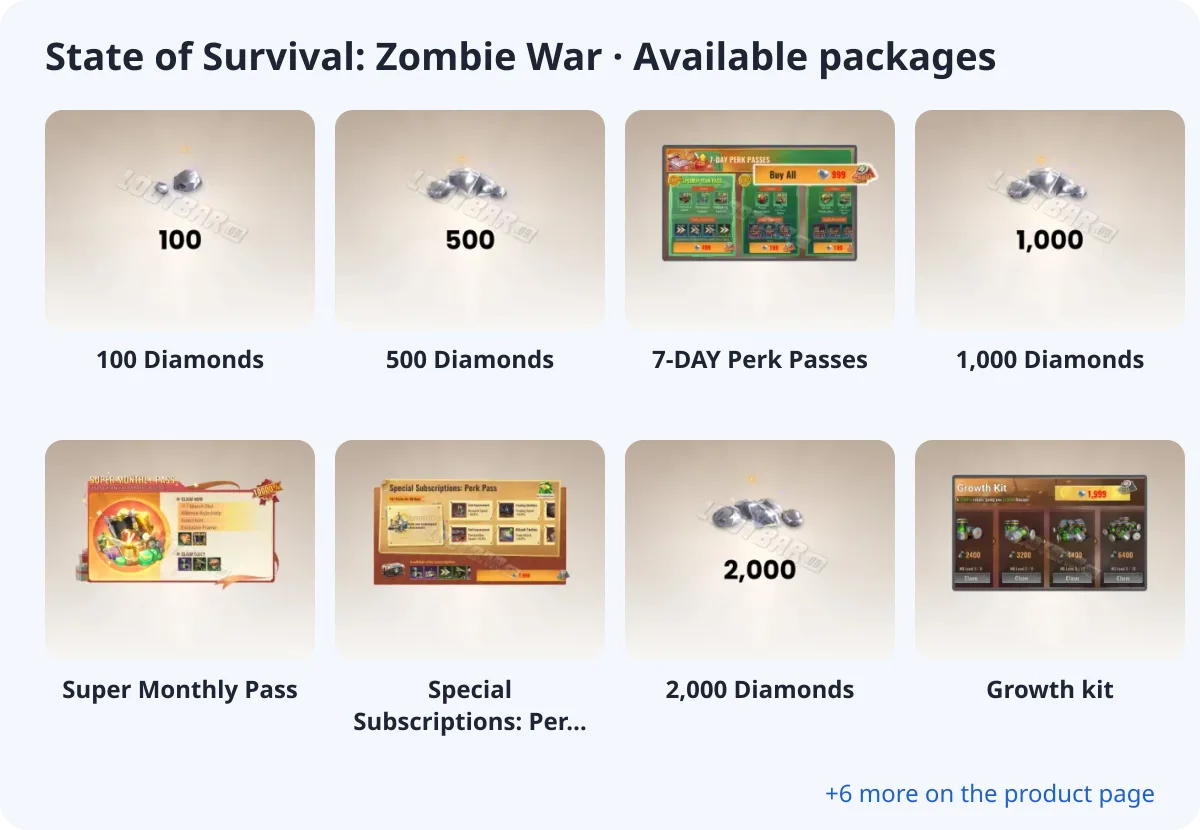
- 100 Diamonds
- 500 Diamonds
- 7-DAY Perk Passes
- 1,000 Diamonds
- Super Monthly Pass
- Special Subscriptions: Perk Pass
- 2,000 Diamonds
- Growth kit
What you need
State of Survival: Zombie War is a direct top-up: you only enter UID. No password is needed.
Where to find your UID
Tap your avatar in the top-left corner to open your profile; your UID (Player ID) is shown there.
How to top up State of Survival: Zombie War with crypto (USDT)
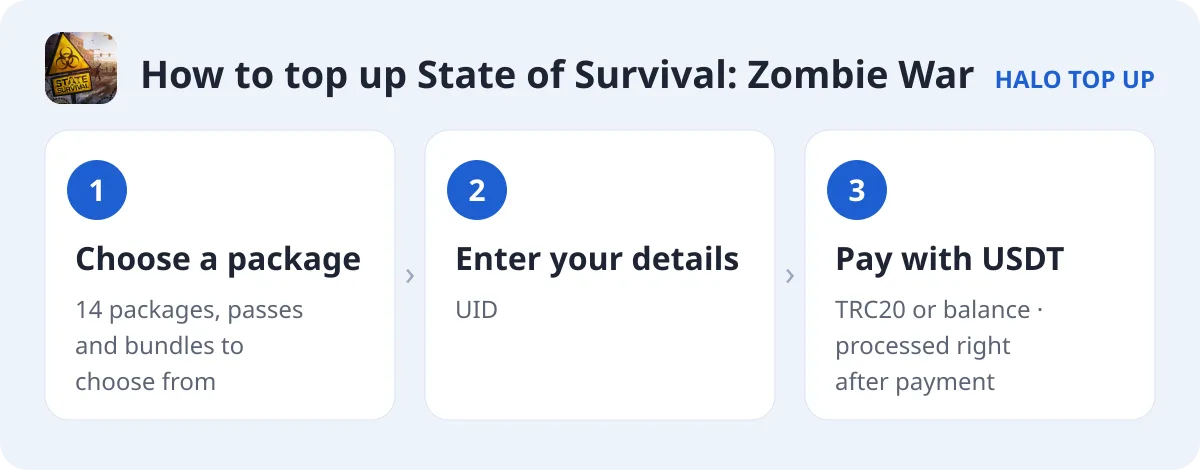
- Open State of Survival: Zombie War and choose a package.
- Enter your UID.
- Enter your email, choose USDT (TRC20) or account balance and place the order.
- Send the exact USDT amount on the TRON network. The order is processed as soon as payment is confirmed; you can follow it on Check Order.
Tips
- The Super Monthly Pass and perk passes are the best value for daily players.
- Growth kits help new settlements progress faster.
FAQ
What do I need?
Only your UID.
Do I need a password?
No.
How do I pay with USDT?
Choose USDT (TRC20) at checkout and send the exact amount shown. See our USDT payment guide for details.